Password Strength Checker
Edit me from admin panel...
Share on Social Media:
Password Strength Checker: Make Your Password Secure
In today's digital age, your password serves as your primary layer of security. Whether it involves social media, banking, or email—a strong password protects you from hackers and cyberattacks. Our Password Strength Checker tool instantly informs you just how secure your password is.
Why Is a Strong Password Essential?
People often choose passwords like "123456" or their "Mobile Number," which are extremely easy for hackers to guess. A weak password can lead to:
- Data leaks.
- The risk of identity theft.
- Financial losses.
How to Create a Strong Password?
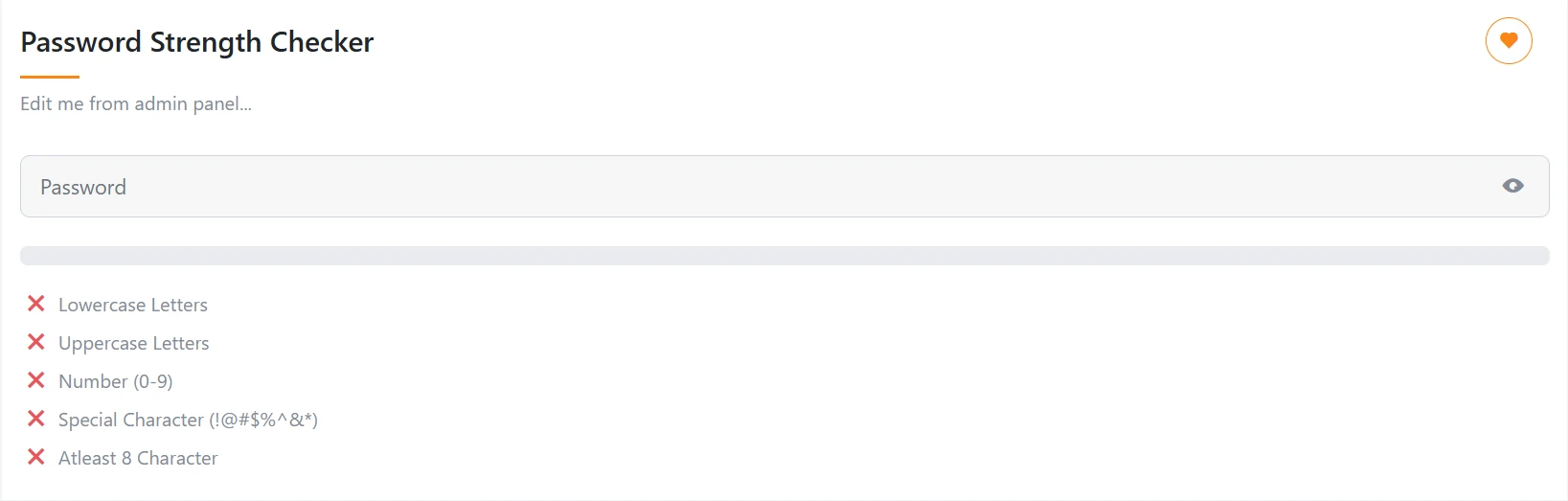
Our tool evaluates your password based on these 5 parameters:
- Lowercase Letters: Use small letters (a-z).
- Uppercase Letters: Use capital letters (A-Z).
- Numbers (0-9): Include at least one number in your password.
- Special Characters: Use symbols such as (!@#$%^&*).
- Length: The password should be at least 8 characters long (12+ is recommended).
Password Security Tips:
- Avoid dictionary words: Words like "Apple" or "Password" can be cracked easily.
- Keep it unique: Use a different password for every website.
- Change regularly: Update your password every 3 to 6 months.
- Two-Factor Authentication (2FA): Always enable 2-step verification in addition to your password.
FAQs (Frequently Asked Questions)
1. Does this tool save my password?
No, we do not store your password anywhere. This tool performs the check entirely on the browser side to ensure your privacy remains intact.
2. How long should an ideal password be?
According to security experts, a strong password should be 12 to 16 characters long and contain a mix of symbols and numbers.